
A SaaS demo tailored to the team
From a specific need to an evaluation journey and the first steps in the product.
An in-house Nesco project
Explore the application ↓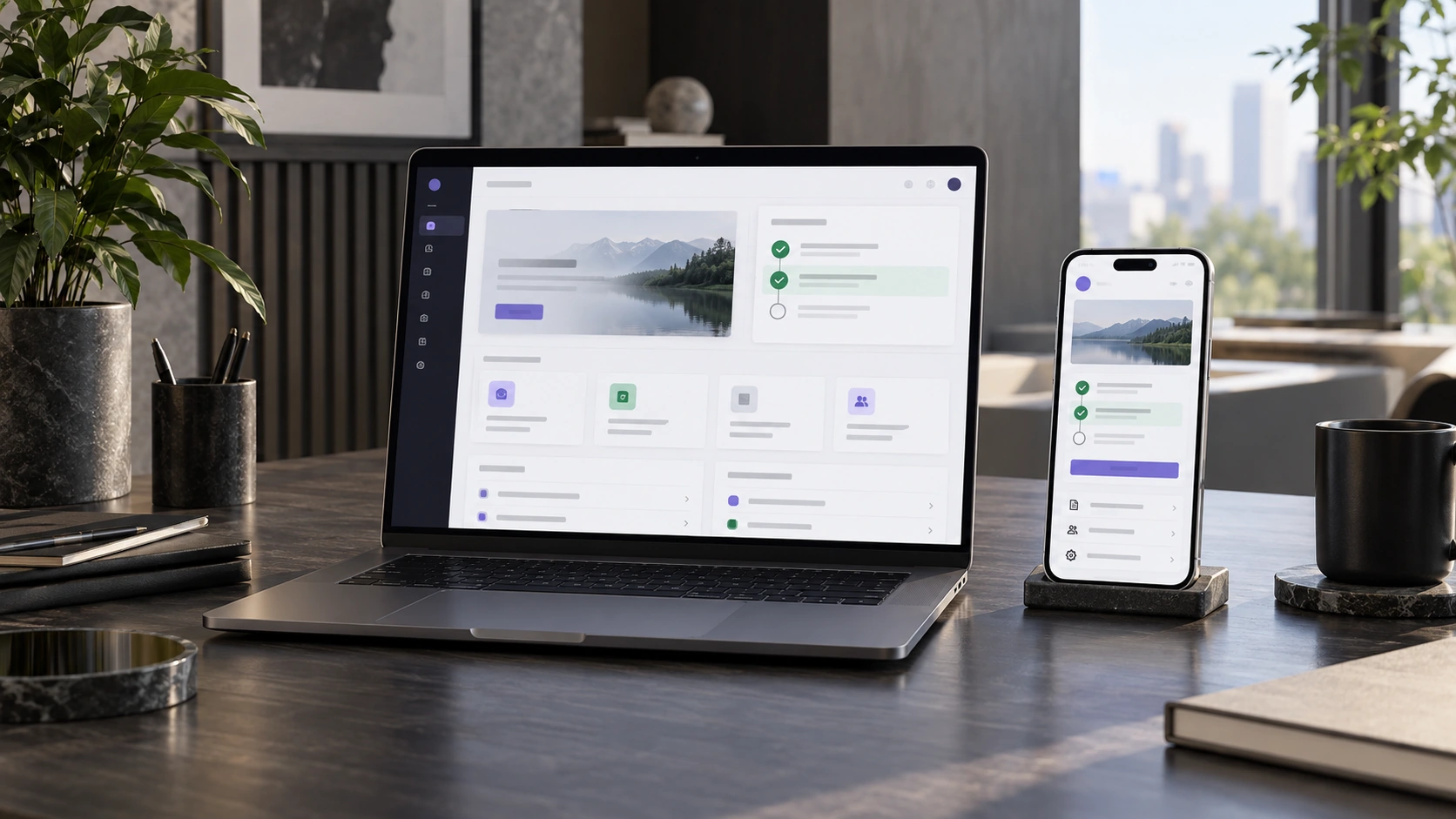
A platform lists many features but does not help visitors choose what to evaluate for their team.
Team size and the main need shape the presentation agenda. An interactive checklist helps users work through their first steps in the product.
See how it works.
An interactive version with sample data, running locally in your browser. It does not save enquiries, send messages, make bookings or take payments. Reloading resets your choices.
Evaluation plan
2–10 · Enquiry tracking
Choose a need and generate the agenda.
Features and possible extensions
The interactive flow runs locally in the browser. CRM connections, message delivery and campaign activation are separate extensions that are not implemented in this version.
- 01Selection by team and need
- 02Tailored demo agenda
- 03Interactive onboarding checklist
- 04Sample follow-up message